
Your restaurant. Your bookings. Your guests.
Restaurant reservations.
A smoother service.
With ResRes, take direct bookings, keep your team in step and connect guest marketing to the moments that matter — from the first reservation to the next visit.
No card required · 30 days of Professional
· Starts when you first publish your booking page
- Unlimited reservations on paid Reservations plans
- No per-cover commission
- Your own direct booking page
- Reservations & guest marketing together
01 / From booking to service
A service your whole team can see.
Get booked directly
Put your booking page on your own website. Configure services, table sizes, durations and booking policies around the way your restaurant works.
Keep the day in view
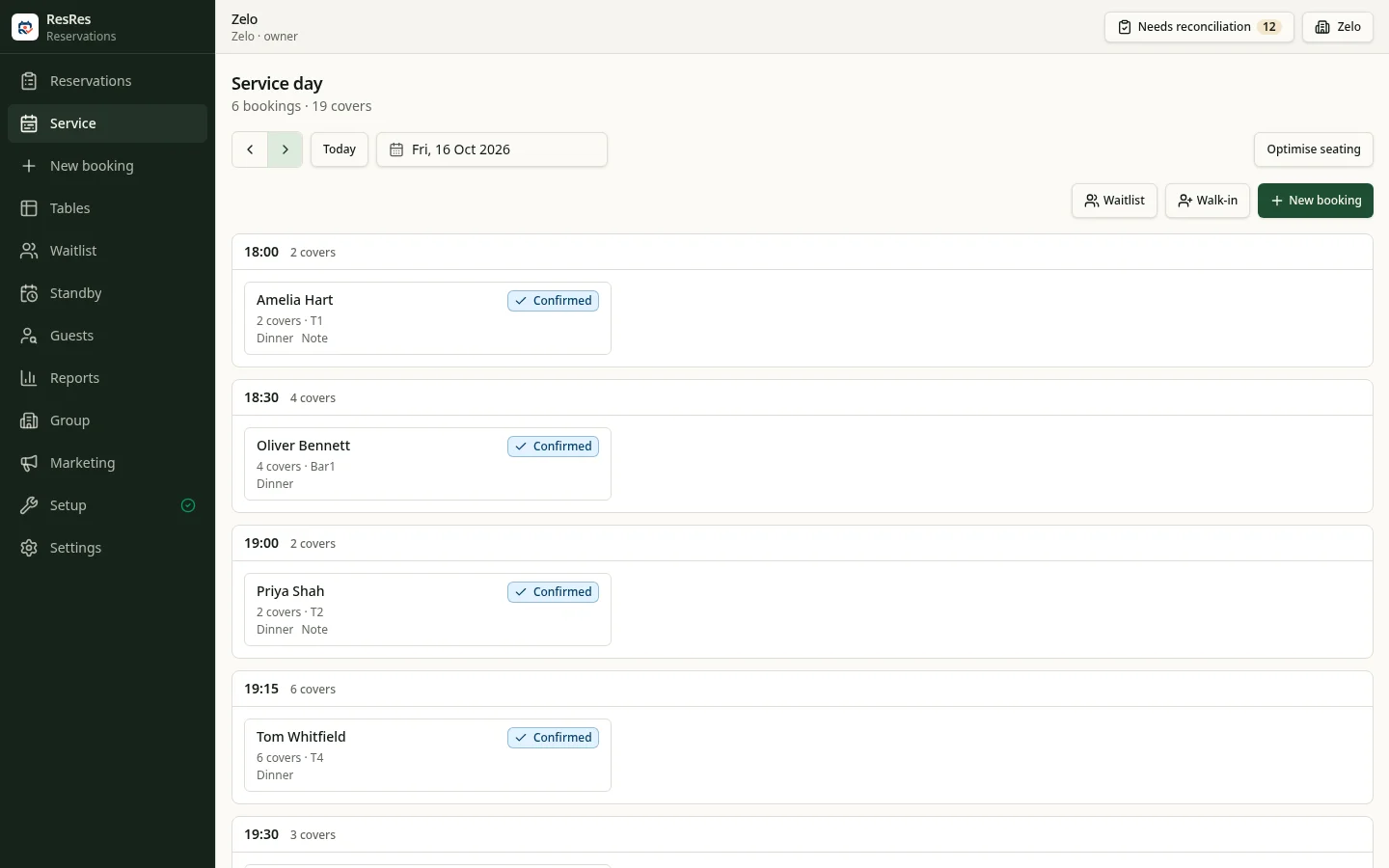
Online reservations, phone bookings and walk-ins belong in the same day book. See who is coming, who has arrived and who is seated without keeping a second diary.
Plan the room
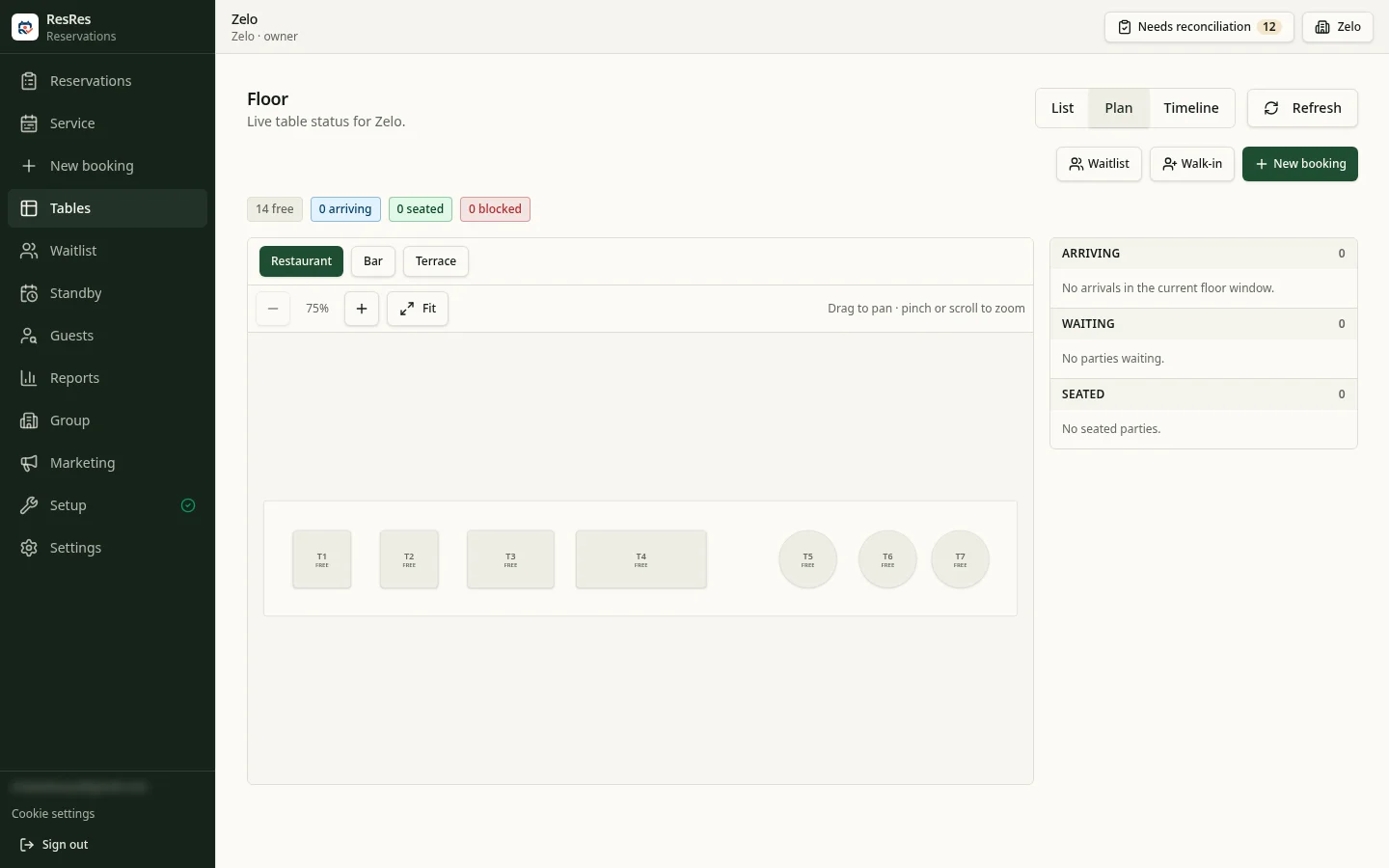
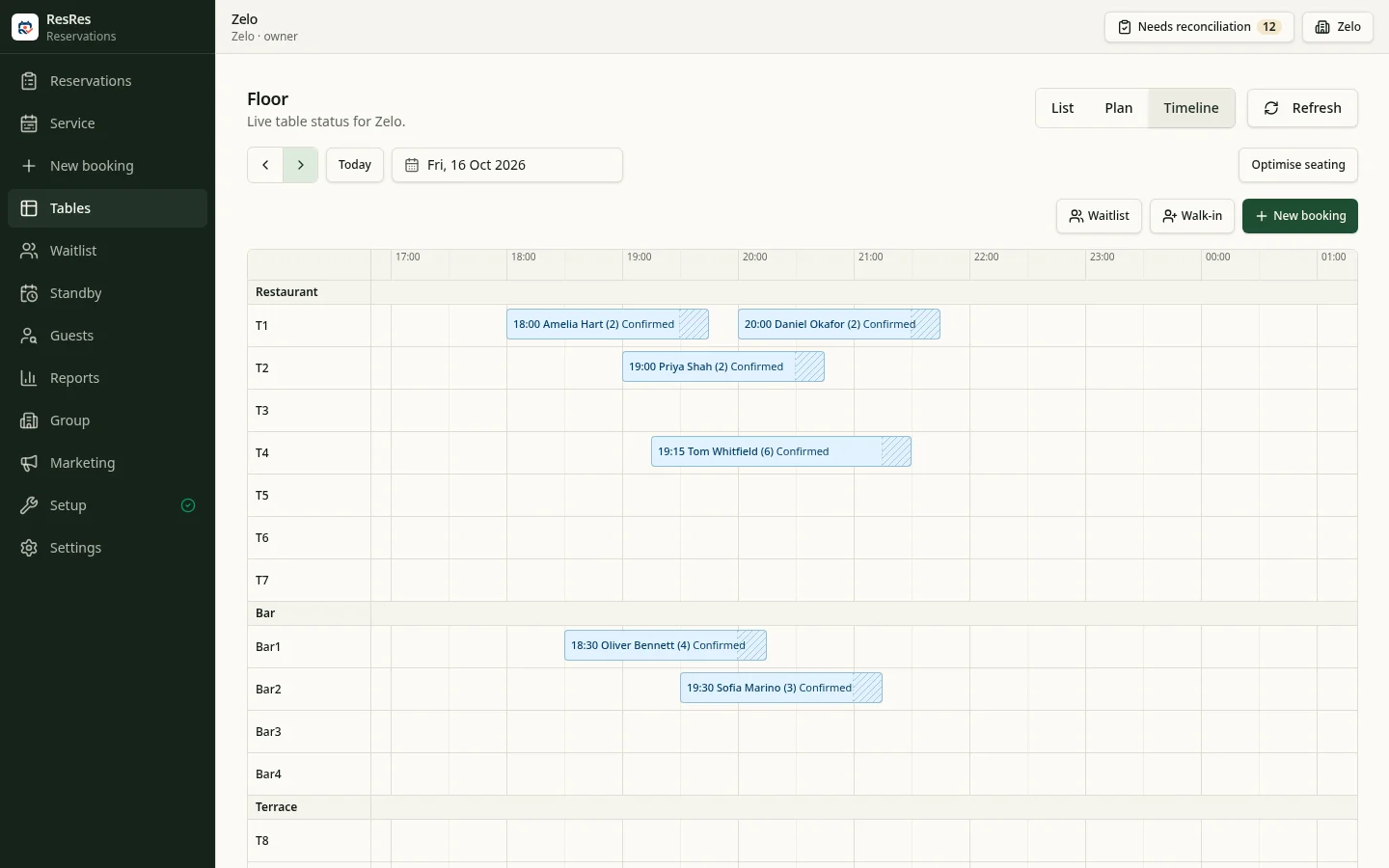
Professional and above add a live floor, table timeline and cover pacing. See the next turn and spread arrivals around the capacity you configure.
02 / Make the next visit count
An opening to fill. A guest to remember.
Keep a place for the next guest.
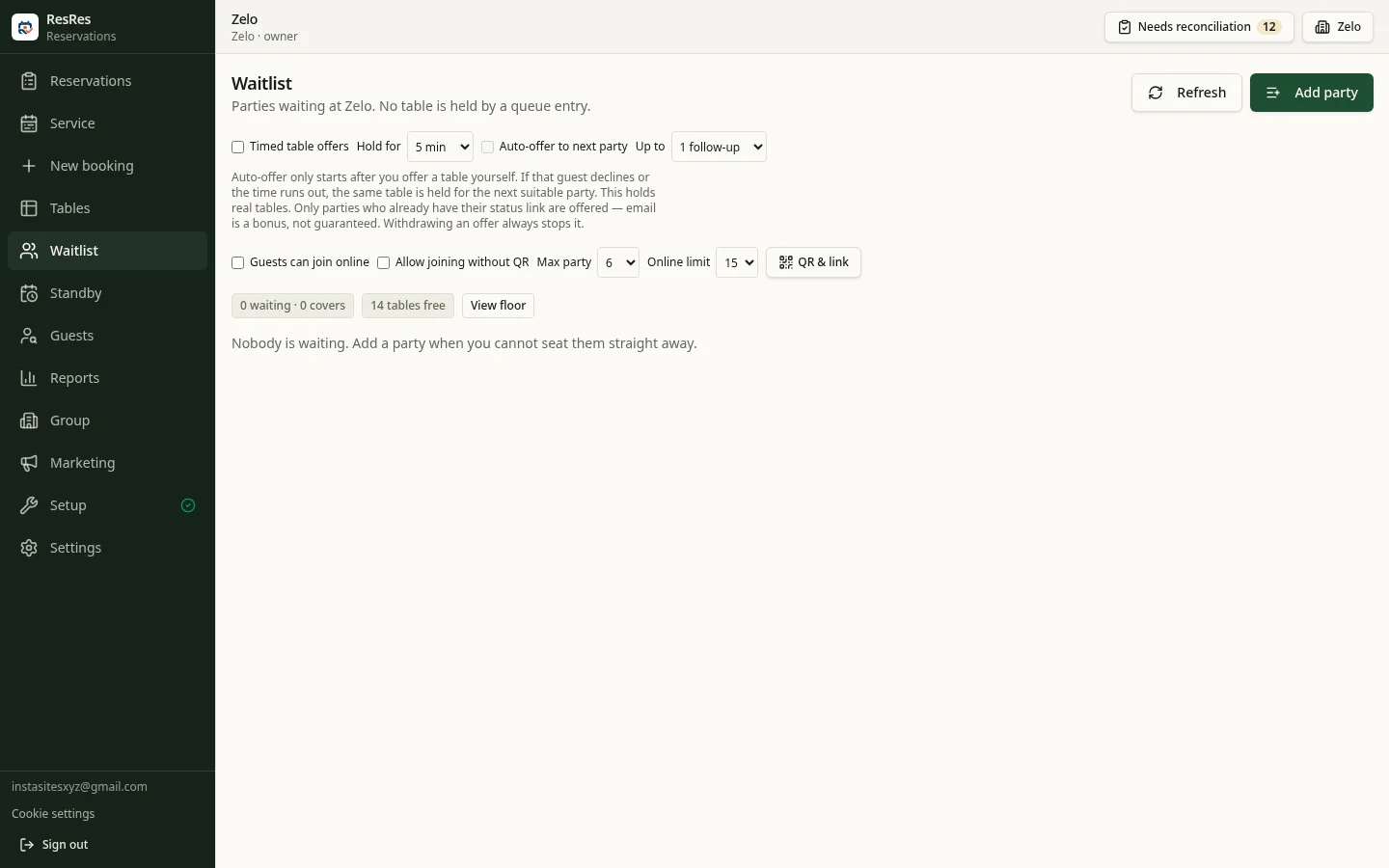
Tonight's queue
Keep waiting parties and quoted waits together. Advanced waitlist tools are included on Professional and above.
Tomorrow's opening
Reservation Standby gathers interest in future tables on Premium and Group. Guest offers are available when set up.
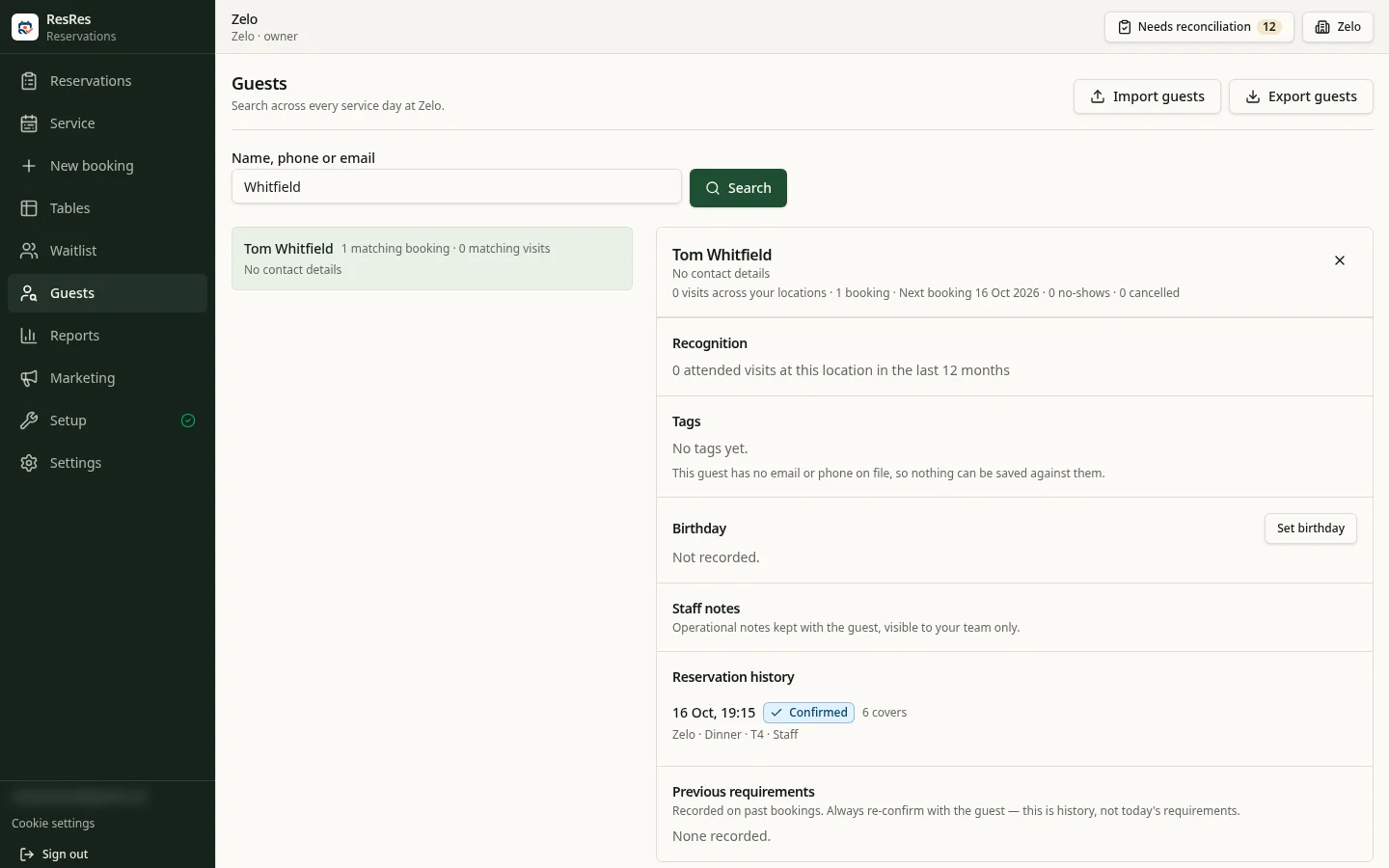
A familiar face. A thoughtful welcome.
Keep visit history and guest requests close to hand. Advanced guest tools add staff-assigned VIP recognition and Regular labels based on attended visits.
Recognition helps hospitality; it never replaces marketing permission.
Take a deposit, keep it yours.
On Professional and above, collect deposits through your restaurant's own Stripe account. See payment and booking status side by side.
Stripe setup required. ResRes takes a 0% application fee; Stripe processing fees are separate.
03 / Bring guests back
Keep the conversation going after dinner.
Design an email that feels like your restaurant, then connect it to the moments that matter: a birthday, a first-visit anniversary or time away.
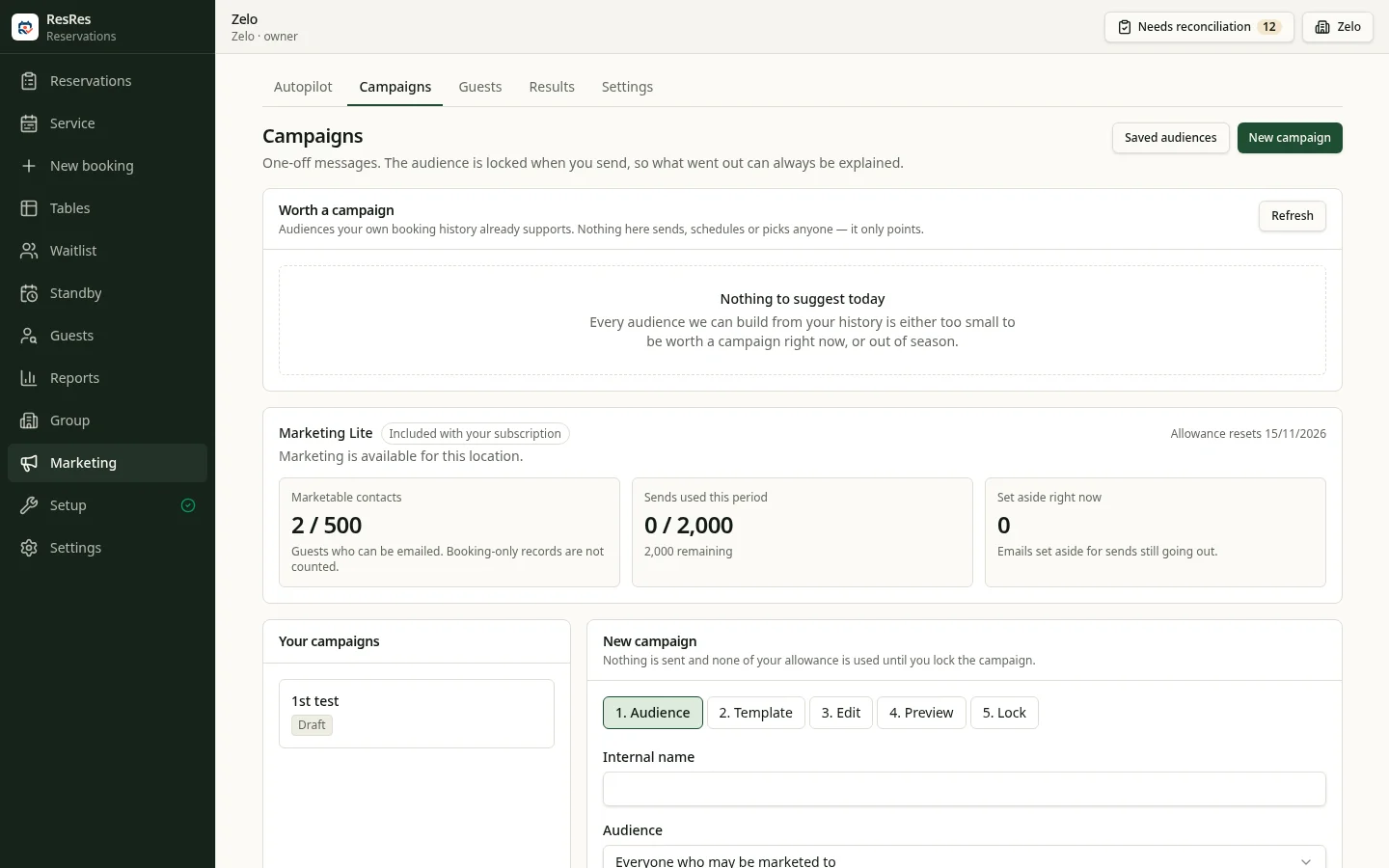
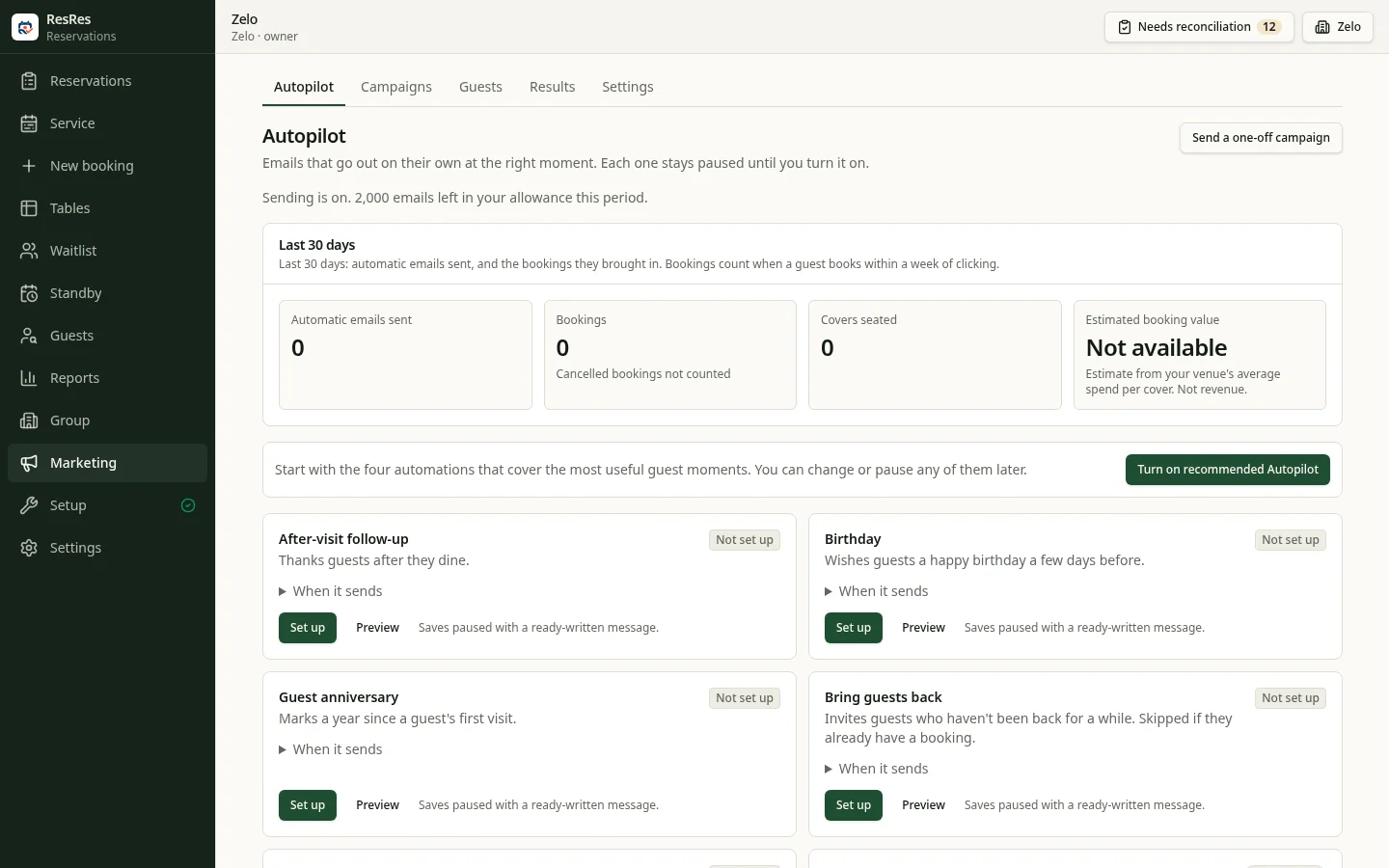
A reason to return
Mark birthdays, remember first visits and reconnect after time away. Marketing Lite is included with paid Reservations plans.
A welcome invitation
Reach guests who have given marketing permission, with suppression and frequency controls. Sender setup is required.
See the visits behind the clicks
Review attributed bookings and attended covers. Estimated value is not payment revenue or proof of incremental bookings.
Choose your plan
Room to run your restaurant.
Choose the features and location allowance that fit your restaurant. Plans are billed per restaurant account. Start with a Professional trial, then choose your plan.
- Unlimited paid reservations
- No per-cover commission
- Marketing Lite included
Lite per location: 500 marketable contacts + 2,000 sends/month on paid plans. Trial: 500 contacts + 1,000 sends total.
Essential
Everything a single venue needs to take bookings.
£39/month
Billed per restaurant account
- Unlimited reservations
- 1 active location
- Day book & walk-ins
- Direct booking page & website widget
- Live waitlist for your team
- Guest records & visit history
- Reservation & covers reporting
Professional
Most PopularRun your whole service with ResRes.
£69/month
Billed per restaurant account
- Unlimited reservations
- 1 active location
- Everything in Essential, plus:
- Live floor & table timeline
- Cover pacing for your service
- Deposits on your Stripe account
- Advanced live waitlist, when enabled
- Advanced guest history & recognition
Premium
Manage a restaurant group.
£99/month
Billed per restaurant account
- Unlimited reservations
- Up to 3 active locations
- Everything in Professional, plus:
- Multi-location administration
- Guest-facing brands
- Reservation Standby, when enabled
Group
ResRes for growing multi-site operators.
£149/month
Billed per restaurant account
- Unlimited reservations
- Up to 5 active locations
- All Premium features
More than 5 locations?
Talk to us about a tailored ResRes plan for your restaurant group.
SMS is optional, uses separate non-expiring credits shared across your venues, and is available for supported destinations when enabled. Messages cost 1 or 2 credits per segment; longer messages may use multiple segments. SMS VAT is not included.
Compare plans and costsGetting started
Ready when your restaurant is.
- Can I keep my existing website?
- Yes. Link to your ResRes booking page or embed the booking widget. You control your services, hours, tables and booking policies.
- When does my trial start?
- Your 30-day Professional trial starts at first booking-page publication, not signup. No card is required. A 7-day grace period follows the trial before new public bookings stop.
- What if I am switching tools or running several venues?
- Choose a plan with the active-location allowance you need. Ask us about moving to ResRes or setting up multiple venues.
Your next service starts here.
Create your account, configure your restaurant and publish your booking page when you are ready.
No card required · Professional plan for 30 days