
Why ResRes
Your restaurant. Your bookings. Your guests.
Take bookings directly, run service from one shared diary, and stay connected with guests who choose to hear from you. ResRes combines reservations and guest marketing without per-cover commission.
Built for independent restaurants that want bookings through their own website and booking page.
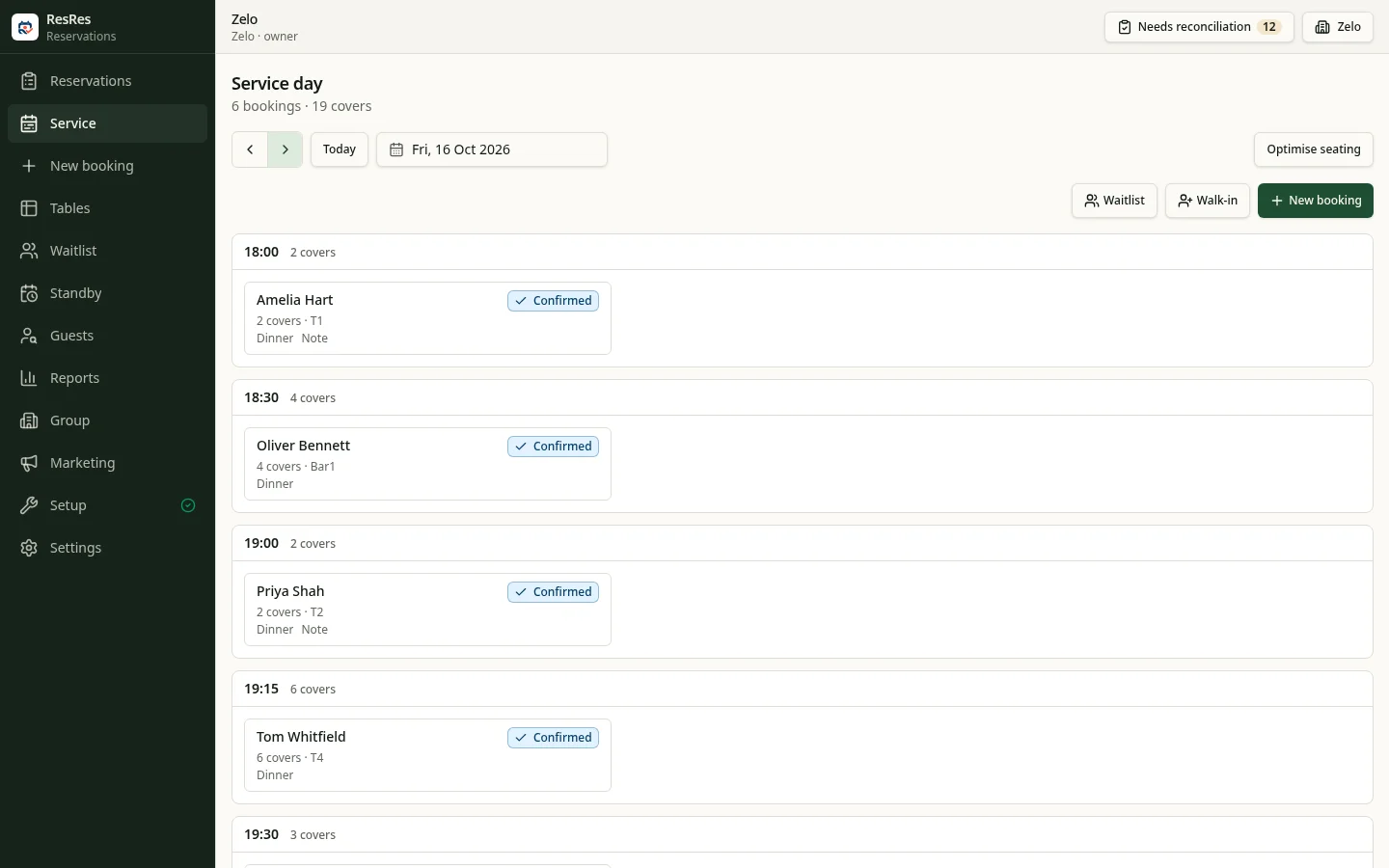
Four reasons to choose ResRes
- 01
Predictable reservation costs
Unlimited reservations on paid plans and no per-cover commission. You pay for your account, with an active-location allowance per plan.
See pricing - 02
Your own direct booking channel
Guests book on your booking page or a widget on your website. Guest records are kept in your restaurant account, not listed on a consumer marketplace.
- 03
A clearer view of service
Keep reservations, walk-ins and guest requests in one diary. Professional and above add the floor plan, table timeline and pacing.
See features - 04
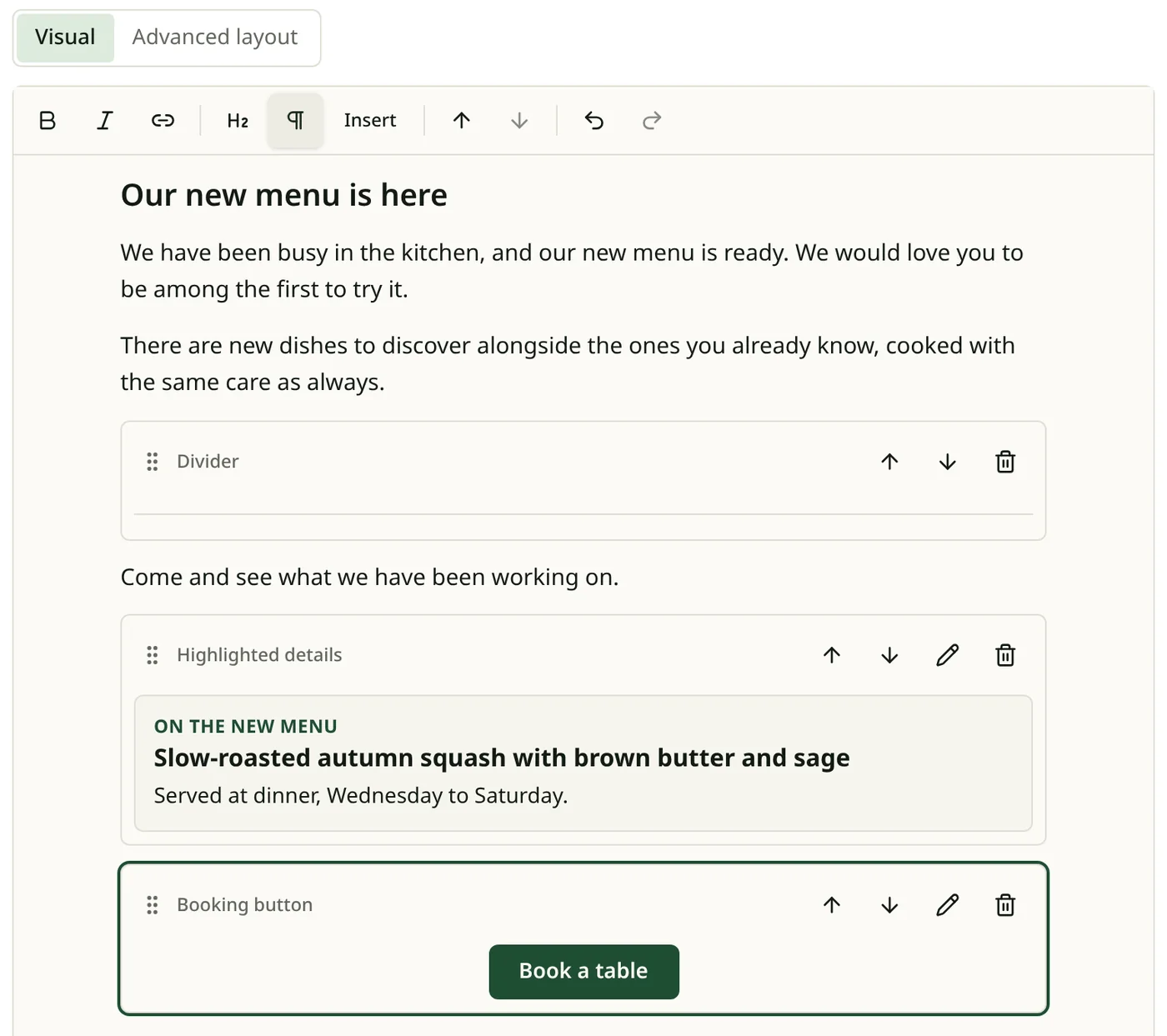
Guest marketing connected to bookings
Campaigns and Autopilot emails go only to guests who have agreed to hear from you, and you can see the bookings attributed to them.
Restaurant marketing
From first booking to the next visit
Take the booking
Direct from your page or website widget, into the diary your team shares.
Welcome the guest
See booking requests and guest history before you welcome the party.
Invite them back
Only guests who have agreed to marketing receive campaigns or Autopilot emails.
Questions before you switch
- What does it cost?
- Paid plans include unlimited reservations, with no per-cover commission. Prices and location allowances are on the pricing page.
- Who holds deposit money?
- Deposits are charged on your restaurant’s own connected Stripe account, and Stripe handles card details. Deposits are available on Professional and above and need Stripe setup. ResRes takes a 0% application fee; Stripe’s processing fees apply separately.
- Can I email every guest?
- No. Only guests who have given marketing permission. Allowances are shown on the pricing page.
- Is ResRes a marketplace?
- No. Guests book through your own booking page or website widget.
Put ResRes to work in your restaurant.
Set up your restaurant, configure your tables and services, and publish your booking page.
No card required · Professional plan for 30 days